“The proof was there for everyone to see!
He was as guilty as one can be!
Red handed was the way he was caught!
That is the power of a screenshot!”
The other day I was supposed to upload a photo on my kid’s ID card portal and I had to send that snap! Unfortunately the snap was high resolution and size and the web was not accepting it! Then all I did was open the photo in my gallery and take a screenshot! That reduced both the resolution and size!
Screenshot to the rescue once again! I have lost count of the number of times the screenshot has saved me! Bills, photos or text which I need in an instant, I take a screenshot and access it immediately!
One of the best inventions of the mobile era is definitely the Screenshot! This is a tool which is indispensable now and one of the most commonly used command in the phone!
If you like a particular image or web page just shoot it! Of course it is used for screen grabbing pieces of text and other communications which may be used for evidence or blackmail! I use the screenshot when I get a bill or make a payment or a transfer of money. The best thing about screen shot is the ease and availability and the situation now is that you cannot imagine using the phone without taking a screenshot!
Many apps do warn you when someone takes a screenshot while many apps freeze the screen so that you cannot take the screenshot!
This is so similar to the Print screen of the desktop computers!
This option was so useful and the fact that most computers had a shortcut key to this function will tell you of its fame and use!
Initially of course Print screen or screen shots were used to take a screen grab as a proof for gamers of their high scores! So when these functions were not available many used to use an external camera! So the first screen shot was actually shot by an external camera! Of course many cameras were not able to ‘read’ the screen so you needed special ones or good ones to do the job!
The first keyboard historically that had a dedicated Print Screen key was for the keyboard for the original IBM PC which was in the 1980s! The camera were with an oscilloscope camera – a special polaroid camera with a hood that fitted over the screen on a storage scope!
In the mobile world in a deviation of sorts; Apple introduced the first screen shot in their iPhones first in the year 2007 and it took the Androids four years to get this important function in their phones in 2011! Now of course the standard volume key and power button keys screenshot is the norm!
In addition to this you can use you can use three finger screenshot in most Android phones including one plus! The path to activate this is Settings – additional settings – screenshot – three finger swipe.
In iPhone you can simply tap the back of the phone two times for screen shot and three taps for camera! Works mainly with iPhone 14 and later and this path is Settings-Accessibility – touch and back tap.
Samsung phones and tabs have a nifty swipe screenshot which is really cool!
You can say hi Bixby and tell to take screenshot or simply swipe with your palm right to left on the screen👍 and you can activate this by Settings -advanced- motion and gestures- palm swipe!
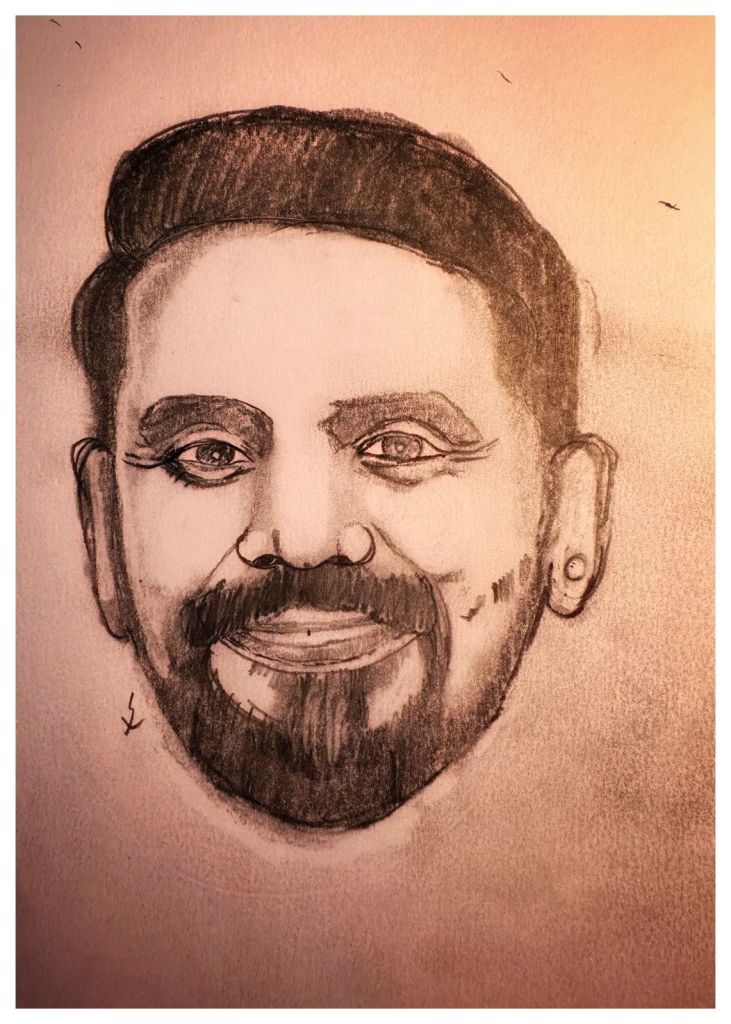
Now talking about screenshots; one of the guys who ‘shot’ to fame in the ‘screen’ for all the right reasons in birthday celebrity Remo D’Souza!
Now delete those screenshots which you took of those ‘chats’ and sleep and let others sleep peacefully!
Shubh ratri!
 ramadocblog